The Curse of Cursor: How the Best AI Coding Tool Broke Developer Trust
I keep hearing the same thing from developers: “Nah, I don’t like using these AI tools. Eventually, I work harder. Yeah, I use it for tiny stuff, but I can’t trust it.”
And you know what? They’re right. They had a bad experience. And as far as they know, that’s the best out there.
But here’s the thing—it’s not.
Let me explain how we got here, and why Cursor, despite being brilliant, might have actually set the industry back.
The Evolution: From Copilot to Cursor
Let’s rewind. We had different AI tools—Copilot at first. Some used it, some haven’t. Some parts were nice, most weren’t. It was autocomplete on steroids. Useful sometimes, annoying often.
Then we got the ChatGPT and Claude UIs. Nice interfaces, powerful models. But still, cumbersome for developers. Copy code from the chat. Paste it into your editor. Go back to the chat. Ask a follow-up. Copy again. Paste again. The context switching was killing the flow.
Then came Cursor.
The Cursor Explosion: Why It Took Off
Cursor’s proposition was brilliant: We give you the experience you know (VS Code) and THEN some.
And it exploded. Why?
Because it was the first time it was actually possible to work like that. AI directly in your editor. Chat in the sidebar. Multi-file editing. Cmd+K to generate code inline. Tab to accept suggestions. It felt like magic.
For the first time, AI-assisted development felt native. Not bolted on. Not a separate tool. It was your editor, just smarter.
Amazing, right?
The Problem: Economics Don’t Work
Is it though?
Because here’s what happened: eventually, the way Cursor works, by definition, can’t work. Not at the scale they’re operating.
Think about it. You’re giving away near-unlimited access to expensive LLM APIs (Claude, GPT-4, etc.) for a flat monthly fee. The math doesn’t math. They’ll go bankrupt if they don’t apply constraints.
So they do. They apply different techniques to make it economically viable:
- Rate limiting
- Context window restrictions
- Model downgrading
- Caching aggressive responses
- Switching to cheaper models mid-conversation
And then, the inevitable happened.
The Trust Collapse
People got frustrated. The results were crap.
One day Cursor would generate perfect code. The next day, same prompt, garbage output. Why? Because you hit some invisible limit and got downgraded to a cheaper model. Or the context got truncated. Or the rate limit kicked in.
Developers started noticing:
- “This worked yesterday, why doesn’t it work today?”
- “Why is it suggesting code that contradicts itself?”
- “Did it just forget what we were working on?”
The trust broke.
And now I hear it all the time: “I don’t like using these tools. Eventually, I work harder.”
Which is valid. They had a bad experience. And as far as they know, that’s the best out there.
But it’s not.
The Two Types of Developers
Here’s where the industry split into two camps:
Camp 1: The Burned
- Tried Cursor
- Had a bad experience
- Concluded “AI tools don’t work”
- Went back to doing everything manually
- Use AI for tiny stuff only—autocomplete, basic refactoring
- Don’t trust it for anything serious
Camp 2: The Curious
- Curious early adopters
- Look for creative solutions to real problems
- Keep exploring beyond the mainstream tools
- In their quest to make work efficient, found some amazing gems
- The kind that make them way more productive
I’m in Camp 2. And I’ve been solving for these issues with AI for the past 4 years.
What Actually Works Better
Yeah, there are way better alternatives than Cursor. Better value. Better execution quality. Better trust.
Here’s what I’ve learned:
1. Methodology Beats Tools
This is the big one. The reason Cursor users get frustrated isn’t just Cursor’s fault—it’s that they never learned how to work with LLMs effectively.
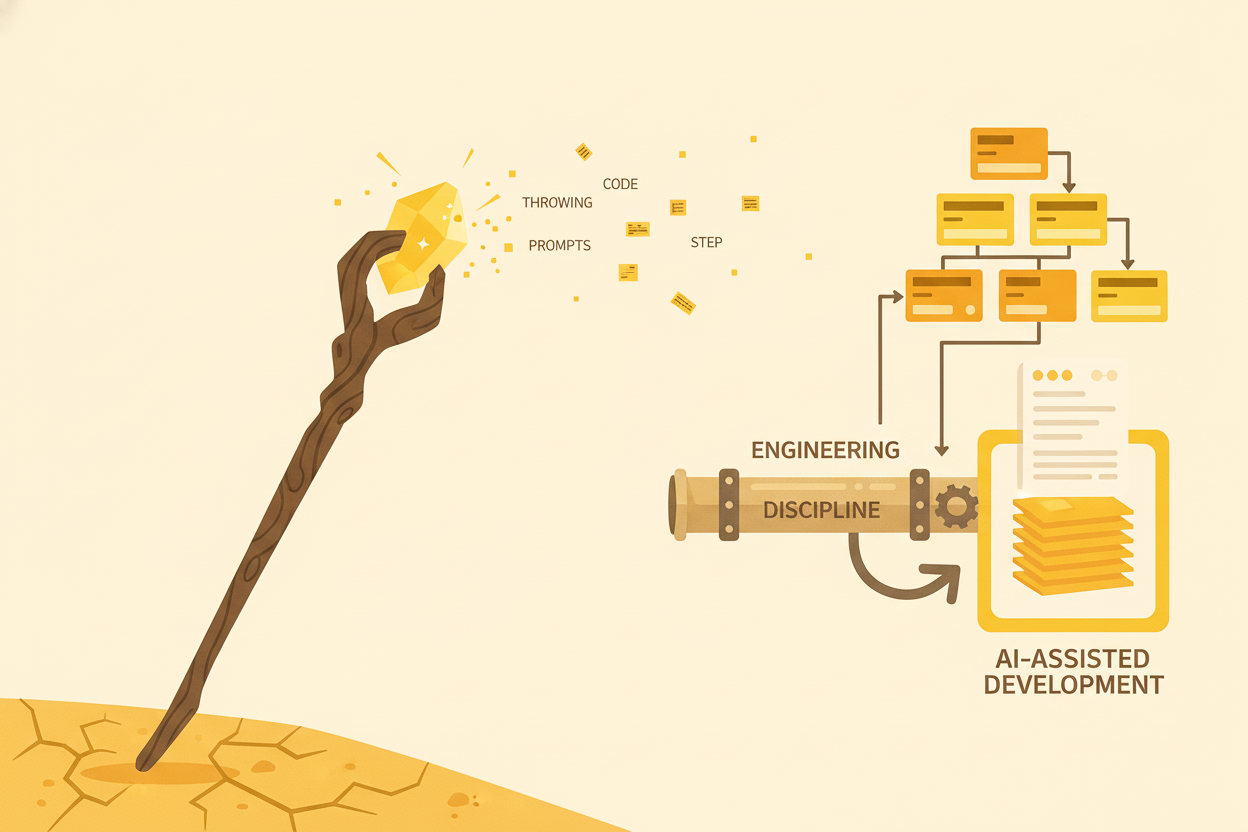
They treat Cursor like a magic wand:
- “Build this feature”
- Get garbage
- Get frustrated
Instead of:
- “Here’s the context. Here are our patterns. Here’s the plan. Now implement step 1.”
- Review
- “Good. Now step 2.”
- Review
- Iterate
The tool matters less than the methodology.
I’ve seen developers get amazing results with basic ChatGPT because they know how to work with it. And I’ve seen developers waste hours in Cursor because they’re just throwing prompts and hoping.
2. There Are Lots of Tools Out There
Cursor isn’t your only option. Not even close.
There’s a whole ecosystem of AI coding tools, each with different strengths:
- Aider for multi-file refactoring with git integration
- Cody from Sourcegraph for codebase-aware autocomplete
- Continue as an open-source Copilot alternative
- GitHub Copilot for autocomplete (it’s actually good at this specific thing)
- Windsurf for AI-powered code navigation
- Custom scripts with LLM APIs for repetitive tasks
The point isn’t that you need to try all of these. The point is: Cursor isn’t the ceiling of what’s possible. If it didn’t work for you, that doesn’t mean AI coding doesn’t work. It means you tried one tool with specific constraints.
3. You Need a Well-Defined Workflow
One tool or many tools—doesn’t matter. What matters is having a workflow that uses whatever tools you pick efficiently.
Some developers do amazing work with just ChatGPT and a well-structured process. Others use five different tools, each for a specific job. Both can work.
The difference isn’t the number of tools. It’s whether you have:
- Clear process: When do you use which tool? For what?
- Defined standards: What patterns do you follow? How do you structure prompts?
- Quality gates: How do you verify output? What do you check?
- Feedback loops: How do you improve over time?
Without a workflow, you’re just tool-hopping, hoping something magically works better. With a workflow, you’re systematically getting value from whatever tools you use.
The Real Curse
The curse of Cursor isn’t that it’s bad—it’s that it’s good enough to get popular but not good enough to deliver consistently.
So now we have an entire generation of developers who:
- Got excited about AI coding
- Tried Cursor
- Had inconsistent results
- Concluded AI tools don’t work
- Stopped exploring
That’s the curse. Cursor became the gatekeeper, and it’s holding people back.
Your Two Options
So now you’re stuck with two options:
Option 1: Start exploring and learning
Dive deep. Try different tools. Learn how they work. Understand LLM limitations. Develop methodology. Experiment. Fail. Iterate. Spend months figuring out what works.
This is what I did. It took years.
Option 2: Talk to someone who’s been solving these issues with AI for the past 4 years
Someone who’s already done the exploration. Who knows which tools work for which tasks. Who’s developed methodology that actually scales. Who’s helped 25+ clients across different industries implement AI workflows that work.
That’s what I do. I help teams implement AI workflows that actually work.
What Good AI-Assisted Development Looks Like
When it works, it looks like this:
- Predictable: You know what to expect from each tool
- Consistent: Same input, same quality output
- Transparent: You understand why it suggested what it did
- Controllable: You’re directing the process, not hoping for magic
- Fast: Actually saves time instead of creating frustration
- Trustworthy: You ship the code confidently
Cursor can’t give you this consistently. Not at scale. Not economically.
But a well-designed workflow with the right tools and methodology? Absolutely.
The Bottom Line
If you tried Cursor and concluded “AI tools don’t work for me,” you’re not wrong about your experience. You’re wrong about the conclusion.
Cursor doesn’t represent the ceiling of what’s possible. It represents the floor of what’s popular.
The developers getting 10x productivity gains? They’re not just using Cursor and hoping for magic. They have solid methodology, clear workflows, and understanding of how to work with AI effectively—regardless of which specific tools they use.
The question isn’t “Does AI help developers?”
The question is “Are you using AI the way that actually works?”
And if you’re still stuck in the Cursor mindset—one tool, hoping for magic—the answer is probably no.
Want to figure out what actually works for your team? .
References
- Stop Treating Your LLM Like a Magic Wand - My post on methodology over tools