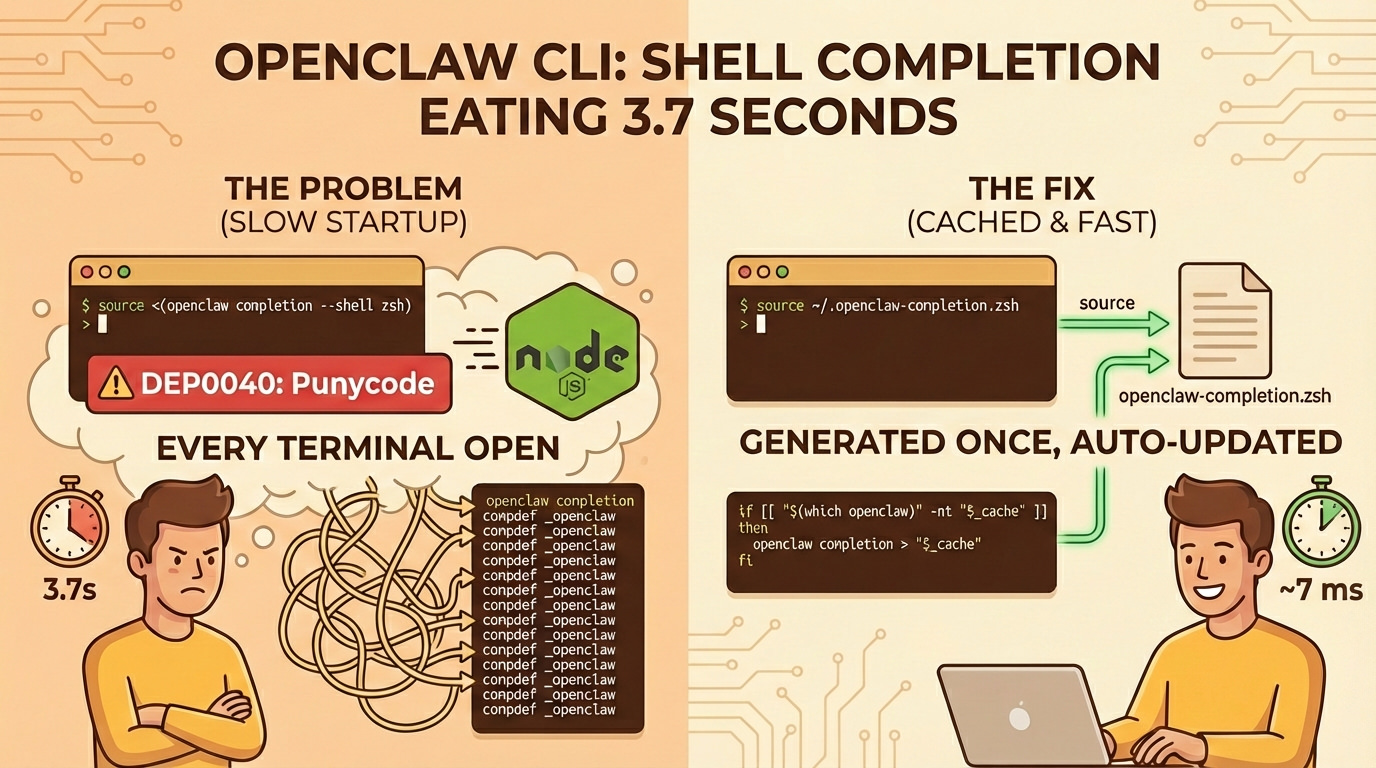
The Problem
As part of my work with Knostic on OpenClaw, I installed the CLI and immediately noticed something was off - opening a new terminal started taking noticeably longer, accompanied by a Node.js deprecation warning:
(node:30759) [DEP0040] DeprecationWarning: The `punycode` module is deprecated.
Please use a userland alternative instead.
After profiling my shell startup, one line stood out:
⏱ openclaw 3744ms
3.7 seconds. A single command, responsible for 62.5% of my entire shell startup time.
Root Cause
The recommended setup in the OpenClaw docs suggests adding this to your shell config:
source <(openclaw completion --shell zsh)
This runs the openclaw Node.js process on every single terminal open to dynamically generate shell completions. The command:
- Boots an entire Node.js runtime (~3.7 seconds)
- Triggers the
punycodedeprecation warning because the CLI (or one of its dependencies) imports the deprecated built-inpunycodemodule instead of a userland alternative - Generates the same static completion output every time - the completions don't change between runs unless the CLI itself is updated
This is a pattern seen across many Node.js CLIs that offer shell completions. The completion definitions are static, but the generation runs a full Node.js boot cycle on every shell init. It's a known issue - in some setups the hit is even worse (~24s) because the completion command eagerly loads the full plugin system via jiti runtime transpilation.
The Fix
Step 1: Cache the completions
Generate the completion output once to a static file instead of running Node.js every time:
openclaw completion --shell zsh > ~/.openclaw-completion.zsh
Then replace the dynamic source line:
# Before (3744ms every terminal open)
source <(openclaw completion --shell zsh)

# After (< 1ms - just reading a file)
source ~/.openclaw-completion.zsh
Step 2: Auto-invalidate the cache
The naive approach requires you to manually regenerate completions after every openclaw update. Forget that. Zsh's -nt (newer-than) test compares file modification times, so we can auto-detect when the binary has been updated:
_openclaw_cache=~/.openclaw-completion.zsh
if [[ ! -f "$_openclaw_cache" ]] || [[ "$(which openclaw)" -nt "$_openclaw_cache" ]]; then
  openclaw completion --shell zsh > "$_openclaw_cache"
fi
source "$_openclaw_cache"
unset _openclaw_cache
How it works:
"$(which openclaw)" -nt "$_openclaw_cache"checks if the openclaw binary is newer than the cached file- If the binary has been reinstalled, upgraded via npm/brew, or the cache doesn't exist yet, it regenerates
- Otherwise it sources the static file (~1ms)
- You pay the 3.7s cost once after an upgrade, then it's cached until the next one
This covers all real-world update scenarios (brew upgrade, npm update, manual reinstall) because they all touch the binary's modification time.
The punycode Warning
The deprecation warning is a separate issue in the OpenClaw codebase. Somewhere in the dependency tree, code is importing the deprecated built-in punycode module:
const punycode = require('punycode'); // built-in, deprecated since Node 21
Instead of the userland package:
const punycode = require('punycode/'); // npm package, not deprecated
This should be fixed upstream in OpenClaw or its dependencies. Caching the completions eliminates the warning from shell startup entirely since Node.js no longer runs on every init.
Takeaway
The pattern applies to any Node.js CLI with shell completions: if the completion output is static, cache it. If you want it maintenance-free, use -nt to auto-invalidate when the binary updates.
This isn't specific to OpenClaw. Any CLI that tells you to add source <(some-cli completion --shell zsh) to your shell config is doing the same thing - booting a runtime on every terminal open to generate static output. Cache it.
If your terminal feels sluggish, profile it. It takes 5 minutes.