Past Webinar
Live Dev Setup Demo: Terminal, Worktrees, Caddy & Custom Tooling
A live demo session covering my full development setup - philosophy on tool independence, terminal workflow with neovim and tmux, CLI tools that save hours, vim motions everywhere, and working with AI agents effectively.
Sunday, Feb 22, 2026
21:00 (IST) · 90 min
Your Host
Alex Raihelgaus
Founder, Sashka Ltd
Feb 22, 202621:00 · 90 minLive Stream
About This Webinar
What We Covered
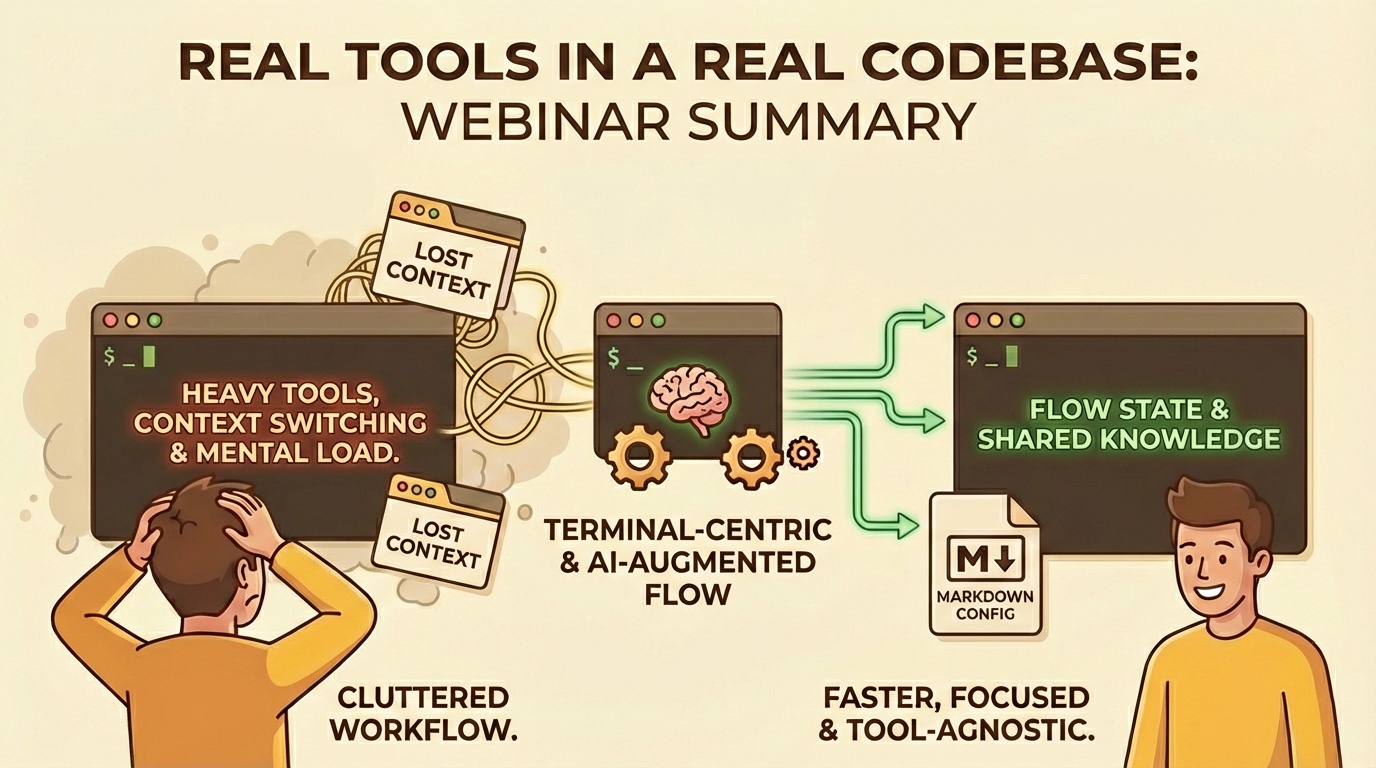
A live demo session - no slides, just real tools in a real codebase. Streamed on X to ~22 concurrent viewers.
Philosophy & Approach
- Don't marry your tools - stay agnostic, keep configuration and knowledge in markdown files so you can switch tools without losing anything
- AI as cognitive offloading - the real gain isn't the model or benchmarks, it's offloading the mental work of remembering context, searching docs, and holding complex state in your head
- Fault tolerance with AI - don't fight mistakes, invest in guardrails and boundaries instead. Same approach as linters and type systems for human developers
- Session management - managing all work through markdown files for context continuity across AI sessions and tools
- Why Claude Code over Cursor - Cursor's $20/mo model requires aggressive heuristics and abstractions that lead to unpredictable behavior. Claude Code runs in the terminal, doesn't lock you into an IDE
Terminal Ecosystem
- Terminal emulators - Ghostty and Wezterm, chosen for easy configuration. [Ghostty] [Wezterm]
- Shell - zsh with rich prompt showing git branch, status, directory, timestamps. [zsh] [bash] [fish] [oh-my-zsh] [oh-my-posh] [starship]
- The CLI vs GUI mindset - why CLI tools are lighter on system resources, faster to operate, and compound over time
Vim Motions Everywhere
- Vimium - vim navigation in the browser. No mouse needed to click links, scroll, go back/forward. [Vimium]
- Obsidian - markdown editing with full vim motions. [Obsidian]
- Claude Code - has built-in vim mode. [Claude Code]
- Colemak keyboard layout - adopted due to RSI injuries from intensive coding, reduces finger travel. [Colemak]
- Recommendation: start with vim motions in your current editor before switching to neovim
tmux
Terminal multiplexer - run multiple terminal sessions inside a single window, split panes, detach and reattach. [tmux]
- Session management - create named sessions per project, switch between them instantly
- Window and pane splits - horizontal, vertical, navigate by number
- Focus mode - zoom into a single pane when you need to concentrate
- Persistence - sessions survive terminal restarts, can reconnect to remote machines
Neovim
Hyperextensible Vim-based text editor. [Neovim]
- Oil - file management as a text buffer. Create, move, copy, delete files using vim motions instead of a file explorer. "Changed how I work with computers". [Oil.nvim]
- Markdown preview - opens rendered markdown in the browser, live-updating. [markdown-preview.nvim]
- Buffer management - quick save, switch between files
CLI Tools
- atuin - shell history with SQLite database and fuzzy search. Filter by directory, search across sessions. [atuin]
- zoxide - directory jumping. Remembers recent directories, fuzzy matches. "I never remember where things are, and I don't want to". [zoxide]
- bat - better
catwith syntax highlighting. [bat] - fzf - fuzzy finder for everything. [fzf]
- gh - GitHub CLI. Create PRs, view repos, open in browser - all without leaving the terminal. [gh]
- Husky - pre-commit hooks. Catches failures locally before burning CI/CD minutes. Example: saved ~$90K/year for a 5-person team by cutting wasted CI time. [Husky]
- xh - friendlier curl. Cleaner syntax for HTTP requests, less boilerplate than raw
curl. [xh]
JSON Processing with jq
- jq - a query language for JSON. "It's a whole world" - endlessly powerful for filtering, transforming, and analyzing JSON from the command line. [jq]
- jqp - interactive jq playground. Pipe JSON into it (
cat data.json | jqp) and build queries with live preview of results. [jqp] - AI tool tip - Claude Code and similar CLI tools support
--format jsonoutput, which you can pipe straight into jq
Live Demo: Earthquake Data
Fetched ~199 earthquakes from the USGS API (last 24 hours) using xh, saved to a local file, then explored interactively with jqp. Built up from simple to complex - a progression that mirrors real debugging:
- Orient - what are we looking at? -
.metadata- first thing you always do, understand the shape of the data - How many events? -
.features | length- 199 earthquakes in the last 24 hours - Flatten to what matters -
.features[].properties | {mag, place, type, sig}- strip away 90% of fields you don't care about - Top 10 strongest quakes -
sort_by(.mag) | reverse | .[0:10]- 7.1 in Malaysia leading - Only significant ones -
select(.properties.mag > 4)- severity filter. "Show me only the P0s" - Group by alert level -
group_by(.alert) | map({alert, count: length})- 193 null, 6 green. How many events per severity, one line - Tsunami warnings -
select(.properties.tsunami == 1)- the "oh shit" filter - Geographic breakdown - split place strings, group by region, sort by count. California 68, Alaska 53. "This is your 'which microservice is on fire' equivalent"
- Depth analysis -
.features[].geometry.coordinates[2] | {min, max, avg}- min, max, average depth across hundreds of events, instant - Full incident report - one query that builds a complete summary object: total events, significant count, tsunami warnings, strongest quake, top 5 hotspot regions. "Full situational report. One command. While someone else is still logging into Datadog"
Why This Matters for Teams
- Save expensive queries locally - fetch logs once from your monitoring service, save to a file, query locally with jq. Avoids burning money on repeated log queries - some services charge hundreds of dollars per query
- Makefile-powered debugging - put common jq queries in a Makefile so junior devs can run complex data analysis without learning jq syntax
- Tool-agnostic debugging - doesn't matter what logging/monitoring service a client uses. If you can curl the endpoint, you can work with the data locally
Bonus Tools
- CleanShot X - screenshot and screen recording tool for macOS. Pin feature keeps floating screenshots on screen - useful for watching logs or reference data while working in the terminal. [CleanShot X]
- tmux copy mode -
prefix + [enters copy mode, turning your terminal pane into a vim buffer. Navigate with vim motions,Spaceto start selecting,Enterto copy,/to search,n/Nfor next/previous match. Means you can search, select, and copy from terminal output without touching the mouse
Developer Experience Philosophy
- 7 years consulting with 30+ startups (fintech, cyber, seed to $100M+ raises)
- Focus on creating environments where developers enjoy working - happier devs write fewer bugs and ship faster
- Example: Webpack to Vite migration cutting
npm devfrom ~60s to ~1s, eliminating phone-scrolling context switches - Building shared language between design and dev teams to eliminate pixel-pushing friction
Related Reading
- Taming Localhost Ports with Caddy - blog post covering part of the Caddy + worktrees setup
Topics Covered
TerminalNeovimtmuxVim MotionsGit WorktreesCaddyCLI ToolsAIClaude CodeDeveloper Experience